 Sightmate
 0.9.5 · Android preview
Your phone.
A conversation
away.
Ask for a little help with your screen, an everyday task, or the next step. Sightmate listens, works through the controls, and asks when it needs you.
Keep talking while tasks run. Add another request and Nova returns with progress and results.
Speak naturally.
Keep the final say.
Make it your own.
A familiar place to begin
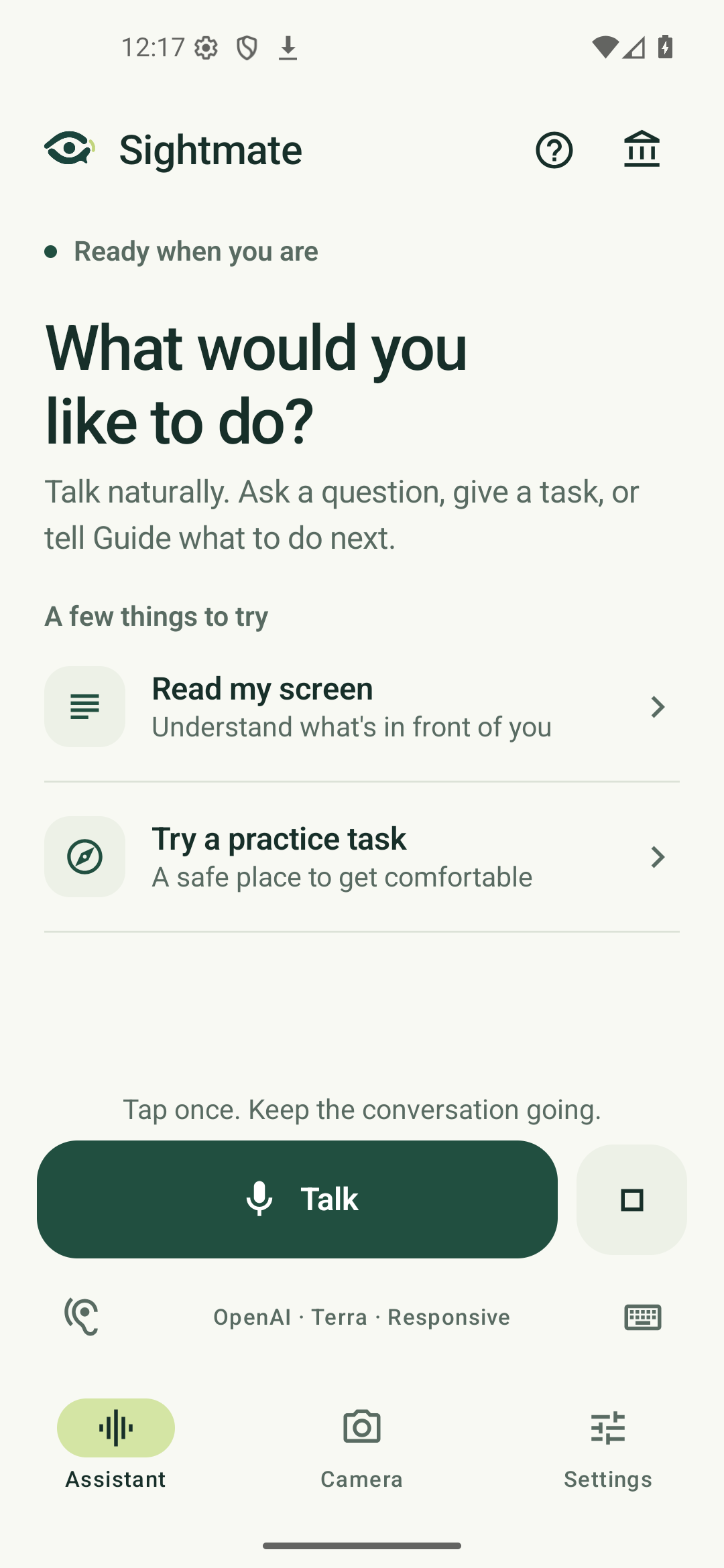
One Talk button.
A real conversation.
Tap once, give a task, and answer follow-up questions by voice. Continue talking while another app is open. The small floating control keeps Talk and Stop within reach.
Try “Set alarms for six and seven AM”, “Read my latest WhatsApp messages”, or “Get walking directions from here to the library”. Availability depends on the app's accessible controls.
Explore the featuresSettle in, step by step
Setup that
stays with you.
A short setup journey explains screen access, takes you to Android's accessibility settings, and checks that Sightmate actually connected. Your progress stays saved if you leave.
Choose microphone access, name your assistant, and start with a small task. Optional permissions can wait.
Walk through setup